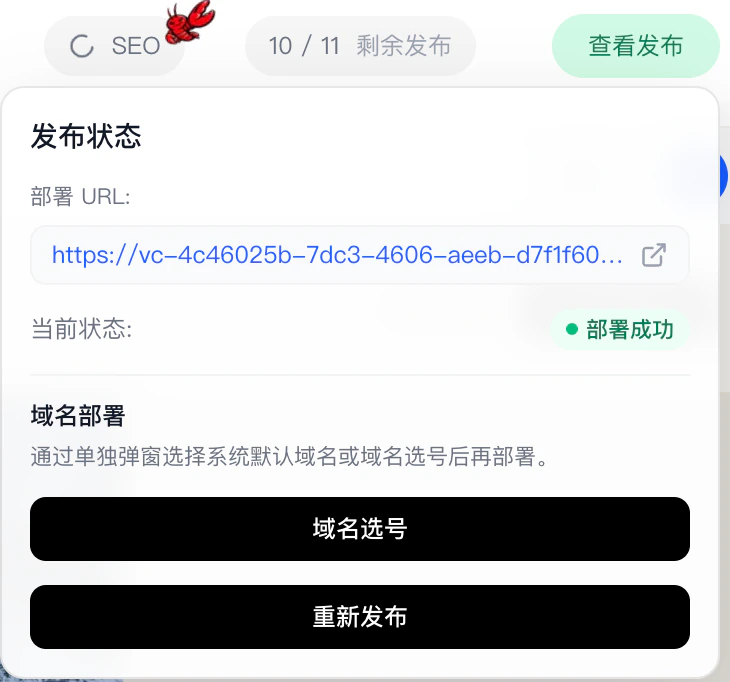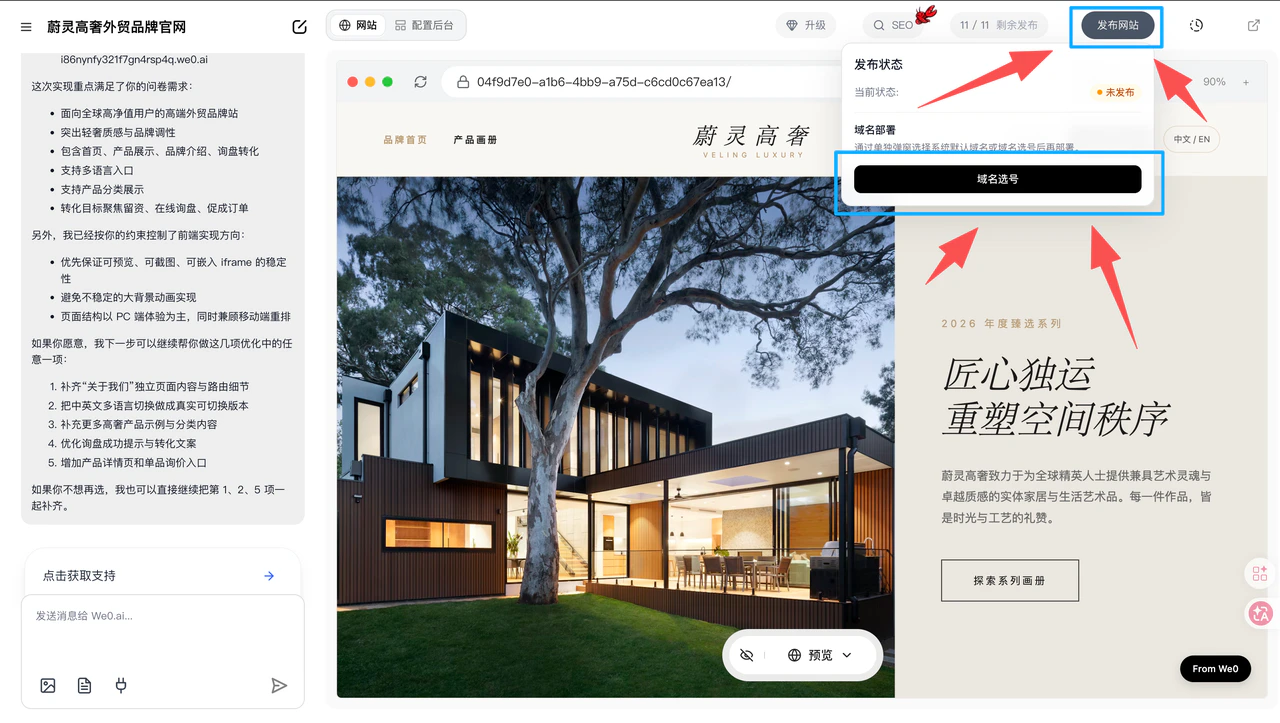
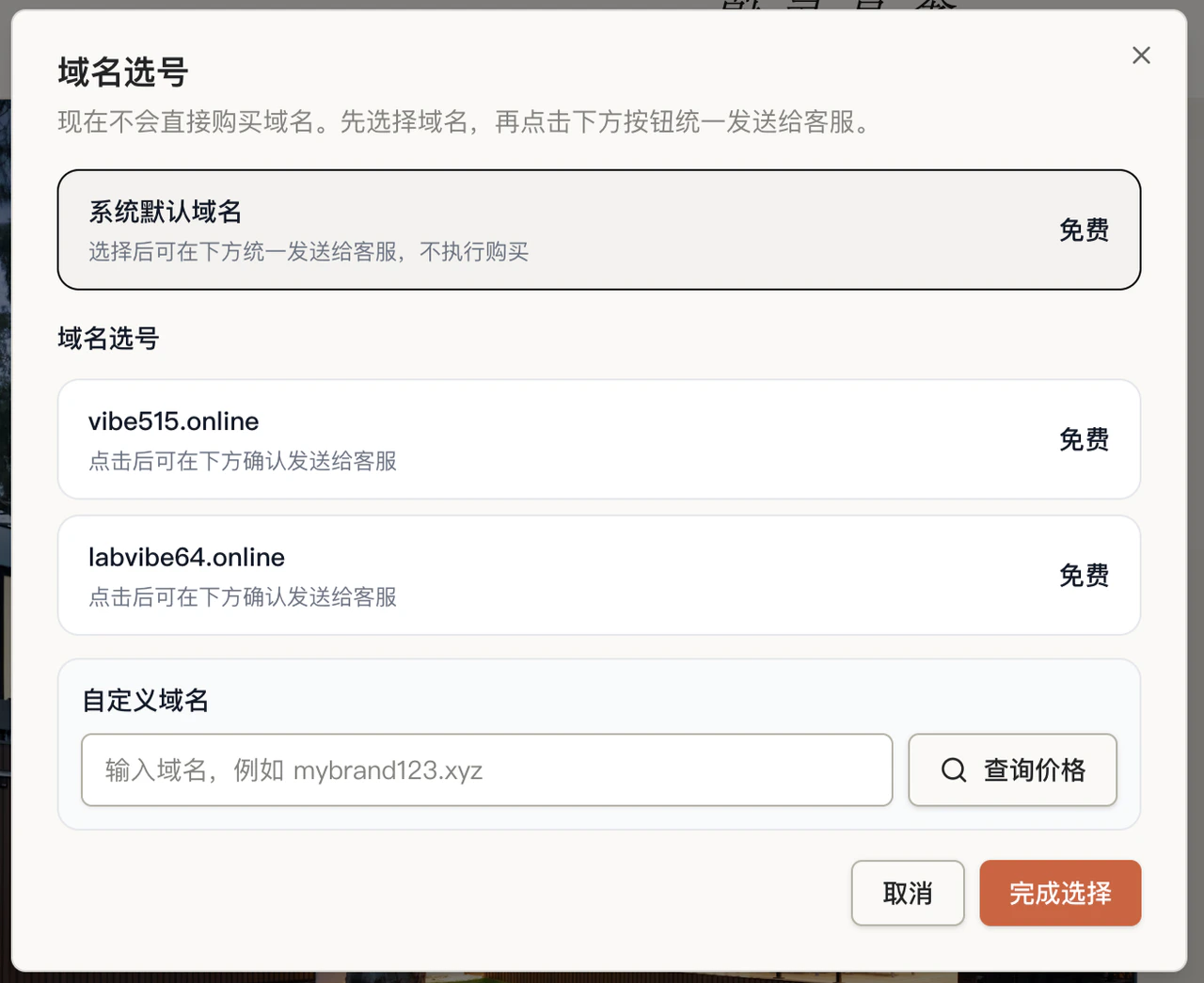
1. Domain Options
Default System Domain
- Free
- No domain registration needed
- Ready to publish immediately
Domain Selection (1380 plan only)
- Includes
custom domain selection - Ideal for users who want a domain closer to their brand name
Custom Domain
- Check pricing first
- Contact customer service to purchase
- Use for official binding and publishing after purchase
2. Pre-Publish Checklist
Before publishing, confirm:
- Page content is complete
- Mobile display is working properly
- Forms, buttons, and contact info are functional
- CMS backend basic configuration is done
3. Publishing Process
After selecting your domain, simply click “Publish Website.”- No need to purchase or configure your own server
- No need to deploy the project yourself (AI handles deployment automatically)
- Go live directly
4. After Publishing
Once published, your website is immediately accessible via the corresponding domain. Deployment URL: This is your website link. (You can access your site through this link — append/cms to the URL to access the management backend.)